The 3D view
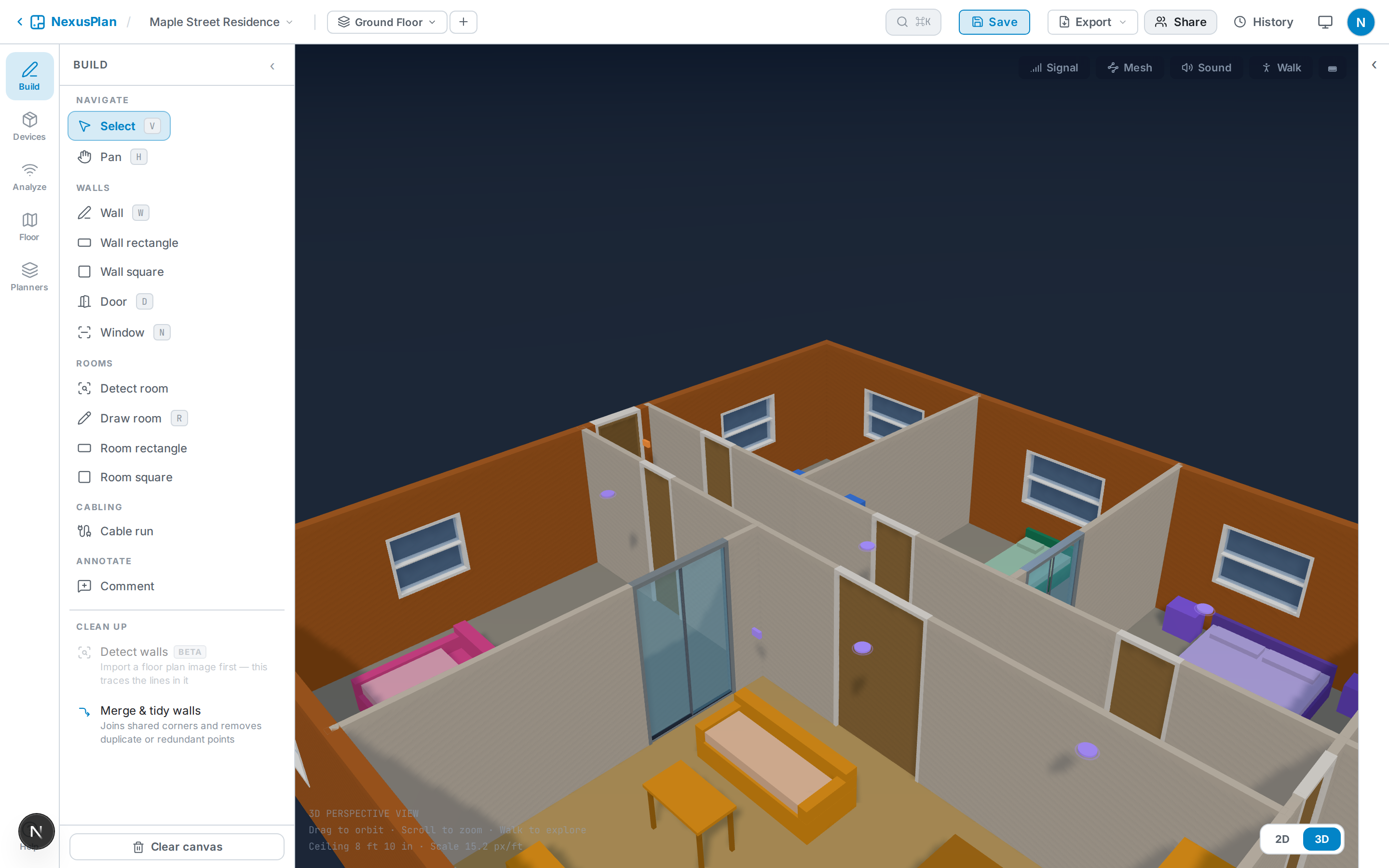
Switch to 3D from the view controls (bottom-right). NexusPlan builds a live model from your plan: walls rise to ceiling height, doors and windows become openings, rooms get their floor material, furniture appears as 3D shapes, and devices sit where they’re mounted.
Getting around
Section titled “Getting around”- Drag to orbit, scroll / pinch to zoom.
- WASD to move the camera.
Overlays
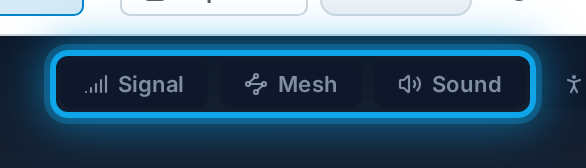
Section titled “Overlays”- Signal — toggle a 3D coverage overlay to see reach in space.
- Devices are colour-coded by their primary protocol and mounted realistically — ceiling lights on the ceiling, wall switches on the wall, plugs low.
For a first-person view, use the walkthrough.