
Create a project
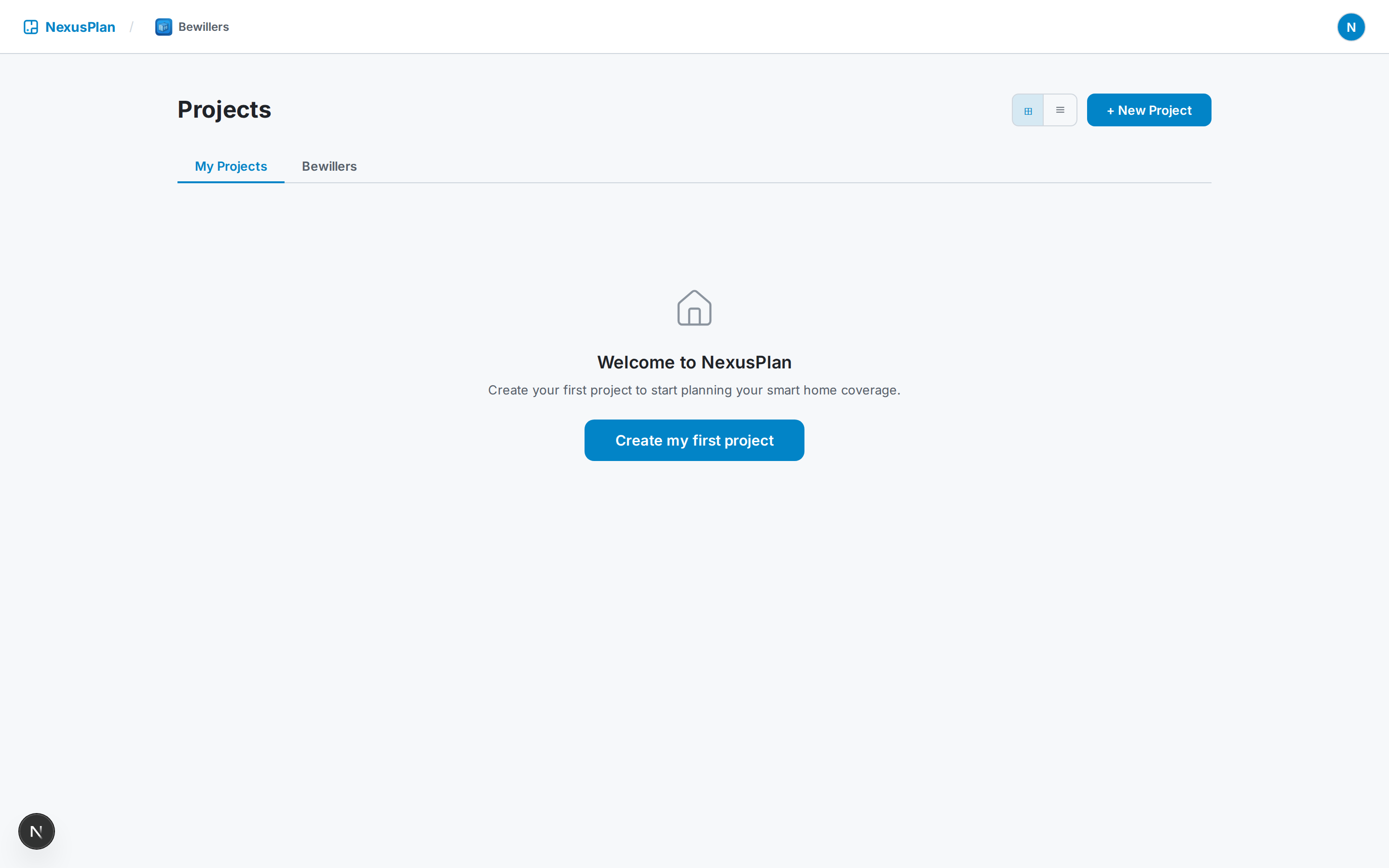
From your dashboard, click New project. NexusPlan tailors the setup to your account:
- Homeowners / free accounts get a guided wizard — name the project, pick the property type, and (optionally) add the address.
- Organisation accounts get a more detailed form for client details (name, email, phone) so those flow straight into your Proposals and Quotes later.
Floors
Section titled “Floors”Set how many floors the property has. NexusPlan creates a blank floor plan for each one — you can add or rename floors any time from the floor switcher in the toolbar.
Once the project is created you land in the editor, where the rest of the work happens. Next: take the editor tour.