
Sharing a project
Share a live, read-only version of a project — no login required for the viewer.
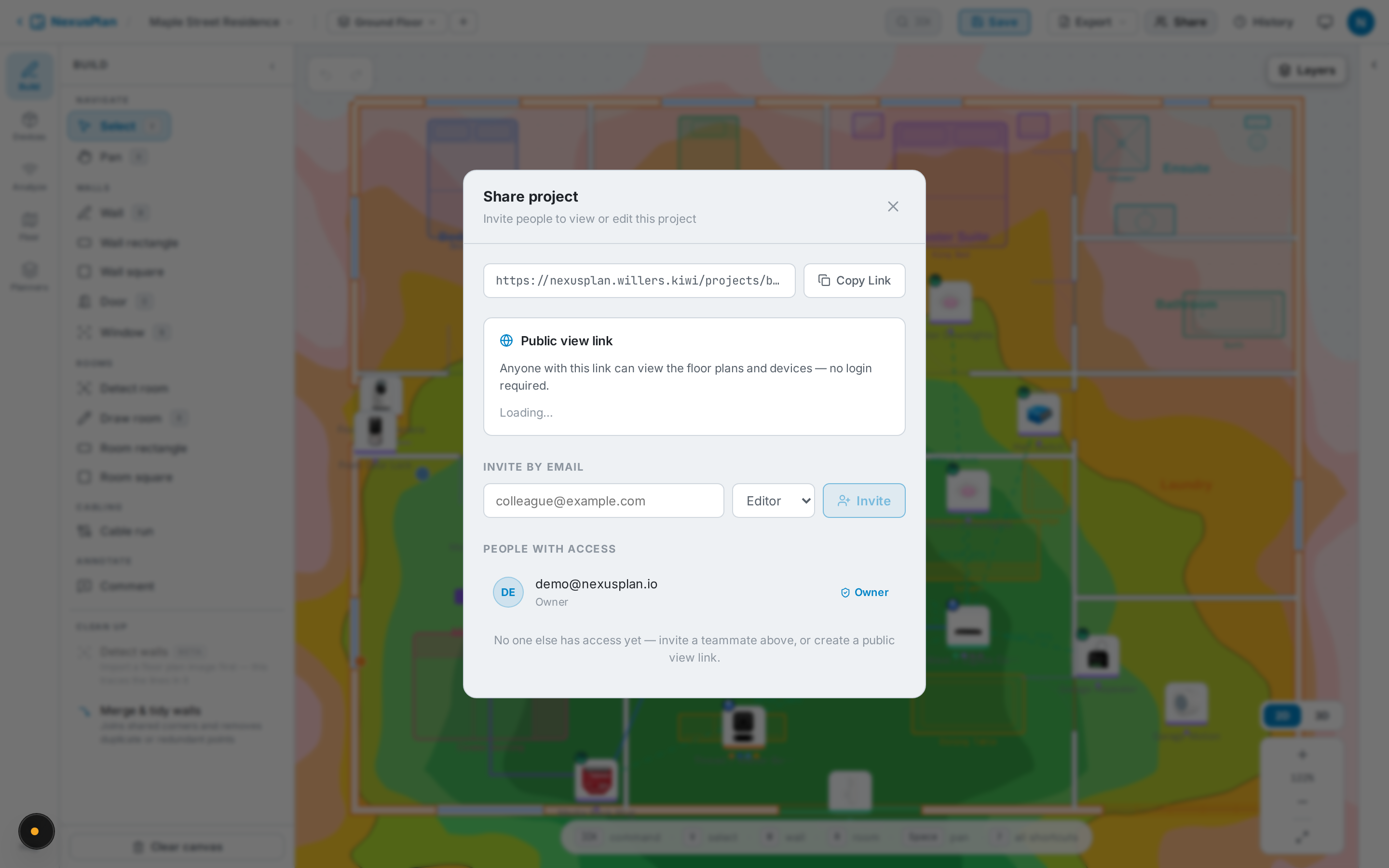
Create a link
Section titled “Create a link”Open Share and create a public link. Links are short and tidy. You can revoke a link at any time.
Password protection
Section titled “Password protection”Optionally set a password or PIN when you create (or after). Visitors must enter it before they can see anything; changing or removing the password instantly invalidates old access.
What the client sees
Section titled “What the client sees”The shared page is a proper interactive viewer, not a flat image:
- Plan — the real floor plan with device markers; click a device for its details; toggle floor plan, mesh, and coverage layers.
- 3D — an interactive 3D view of the space.
- Health — the plan-health report.
Analytics
Section titled “Analytics”The Share panel shows views, unique visitors, and when the link was last viewed, so you know when a client has looked.