
Import & export
Import from Home Assistant
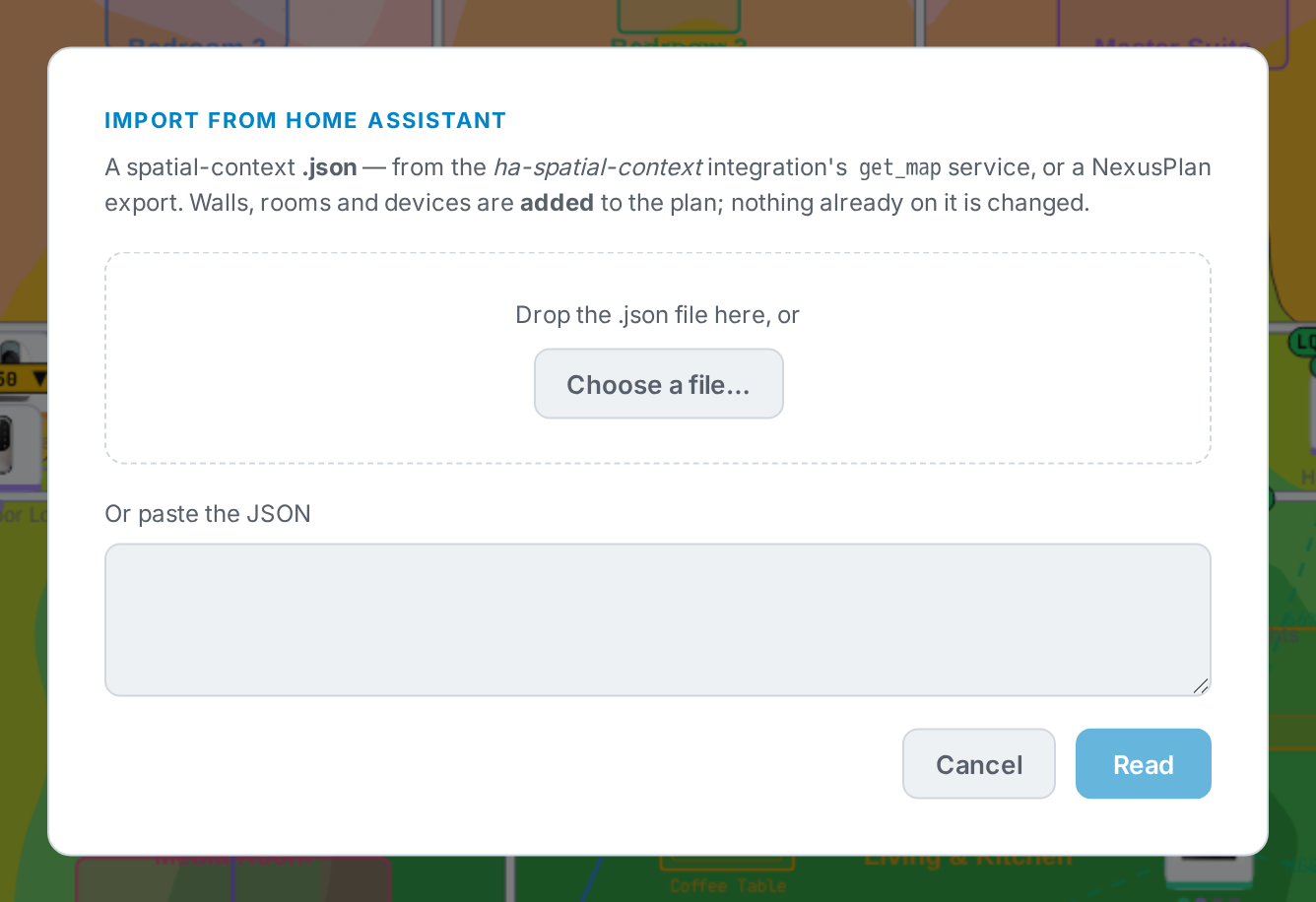
Section titled “Import from Home Assistant”Planners → Home Assistant → Import from Home Assistant, then choose where from.
From your connected Home Assistant
Section titled “From your connected Home Assistant”Each Home Assistant floor becomes a floor, each area a room, and each device is placed in its room and linked, so its measured signal shows straight away.
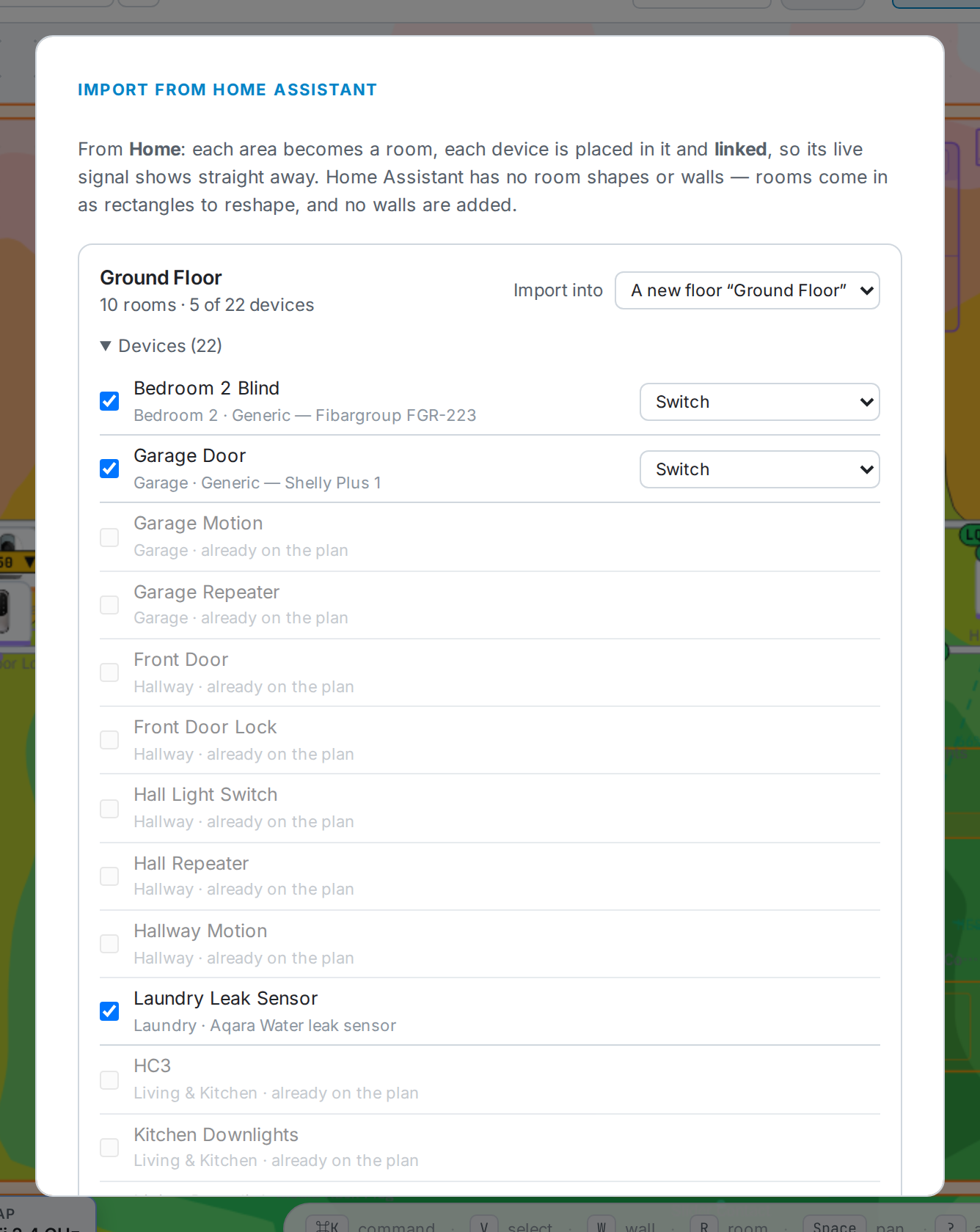
- Import into — a new floor, one of the plan’s floors, or Don’t import.
- Under Devices, untick any you don’t want. Devices already on the plan are skipped. Apps and servers (a Plex client, a phone) are listed but not ticked.
- A device NexusPlan recognises comes in as that product. Anything else comes in as a Generic device of the type you choose.
- Devices with no area in Home Assistant are left out unless you tick Include … devices that have no area.
Home Assistant has no room shapes or walls, so rooms arrive as rectangles in a grid, sized to their devices, and no walls are added — reshape the rooms, or trace a floor plan and move them onto it. Importing only adds; nothing already on the plan changes.
From a file
Section titled “From a file”A spatial-context .json — from the ha-spatial-context integration’s get_map service, or
a NexusPlan export. Drop the file or paste the JSON, choose where each floor goes, and walls
(with their signal loss), rooms, doors, windows and devices are added.
Export for Home Assistant
Section titled “Export for Home Assistant”Planners → Home Assistant → Export for Home Assistant (or Export → Home Assistant (.json)) saves the plan as a spatial-context file: floors, walls with their signal loss, rooms and devices, in metres, each device with its linked entity.
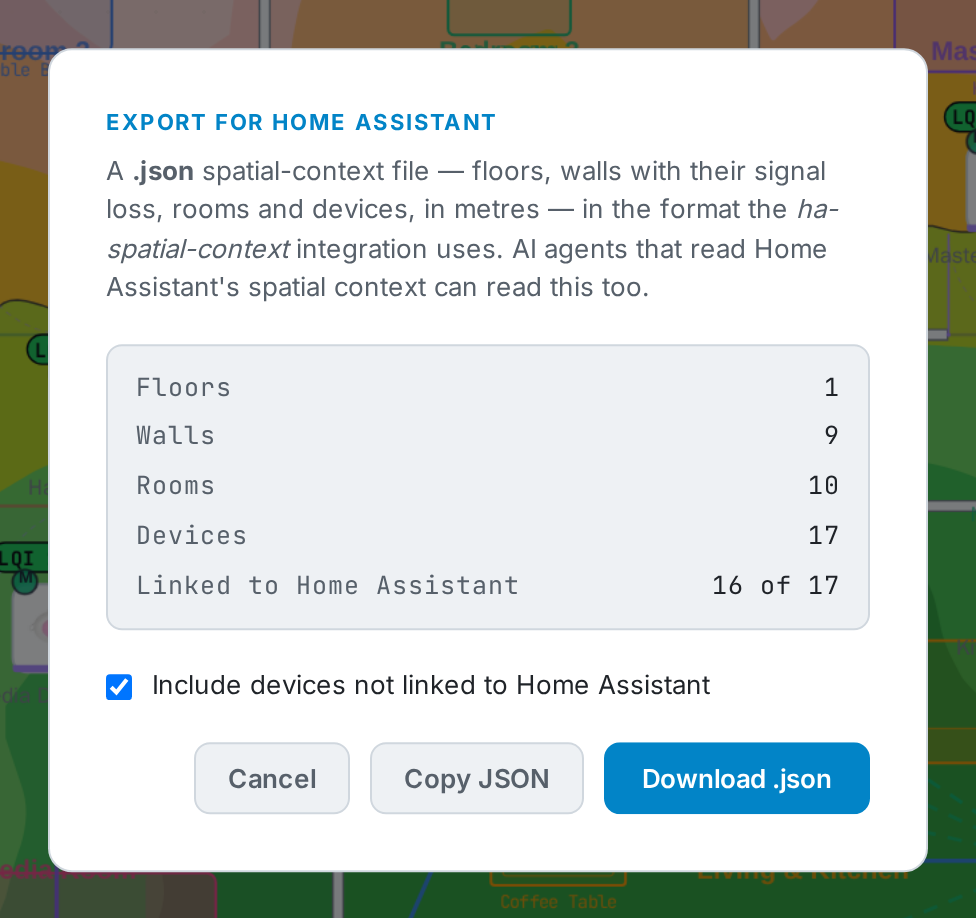
It is the same format the ha-spatial-context integration uses, so AI agents that read Home Assistant’s spatial context can read it. Tick Include devices not linked to Home Assistant to include every device.
With the integration connected, Home Assistant can also fetch the plan itself: the
nexusplan.get_map action returns it in the same shape.