Placing devices
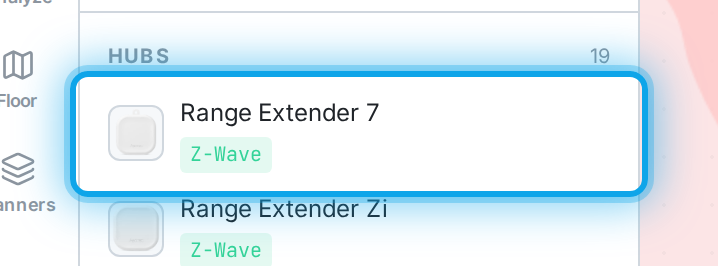
Drag a device from the library onto the plan, or select it and click to place. Once placed you can:
- Move it by dragging.
- Rotate and label it, or delete it, from the properties panel.
- Select it to see its full spec, protocols, and (for speakers) audio details.
The properties panel opens whenever a device is selected. From there you also set how the device connects and mounts — see Connection & mount.