Coverage simulation
NexusPlan simulates radio coverage from every wireless device, accounting for walls and their materials — so you can spot dead spots before installing anything.
Turn it on
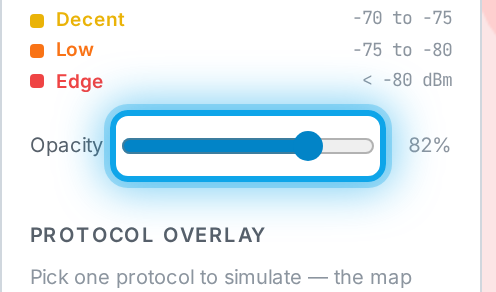
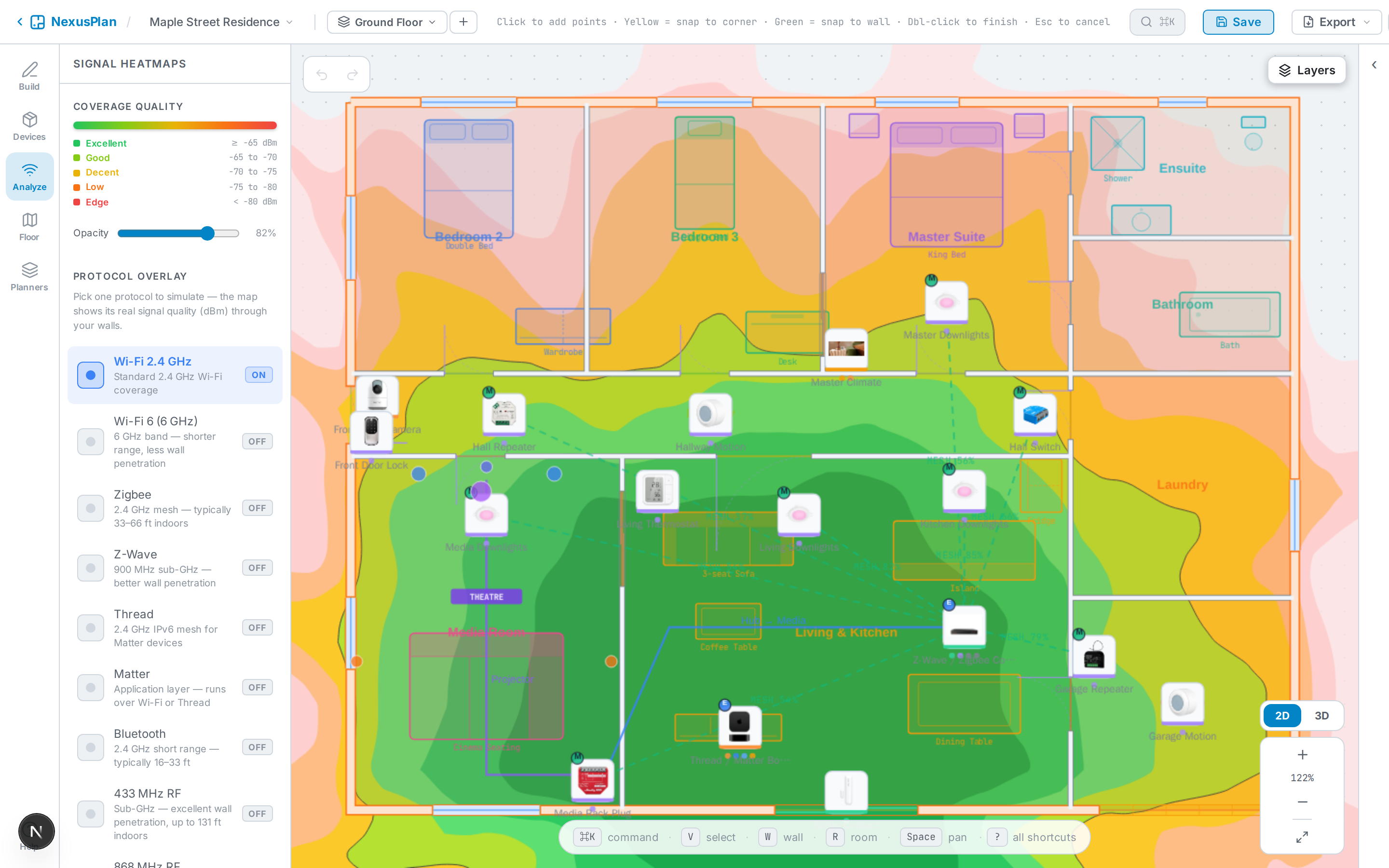
Section titled “Turn it on”Enable the Coverage layer (in Analyze, or the layer toggles). A heatmap paints the plan from strong to weak:
- Green — excellent
- Lime / yellow — good to fair
- Orange / red — poor to no signal
Per protocol
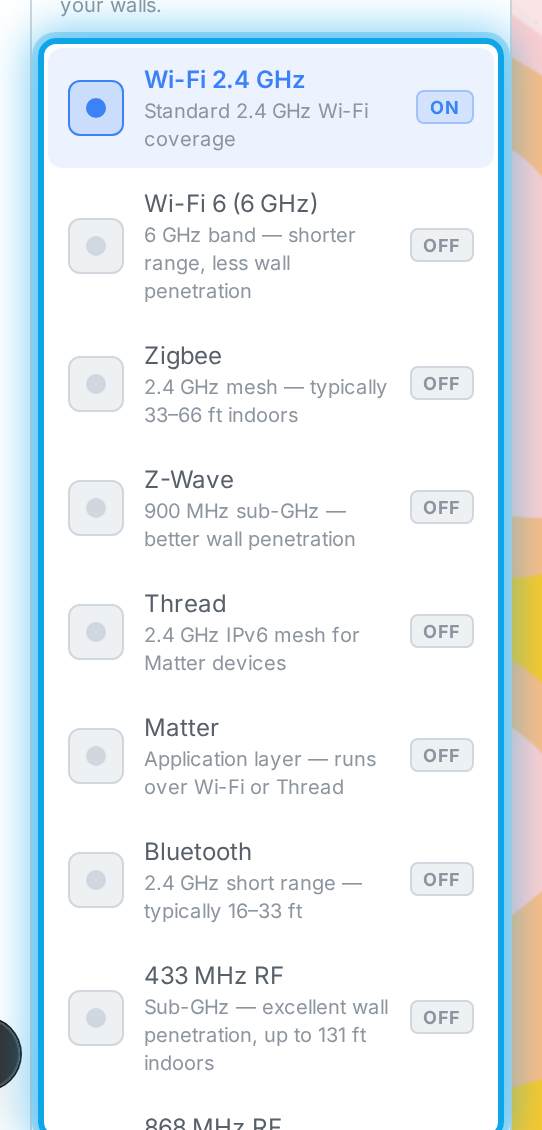
Section titled “Per protocol”Coverage is computed per protocol (Wi-Fi, Zigbee, Z-Wave, Thread, and so on), because each travels differently and passes through walls differently. Denser wall materials (concrete, metal) cut range sharply; open doorways let signal through.
Coverage also accounts for adjacent floors once they’re aligned.