Walls, doors & windows
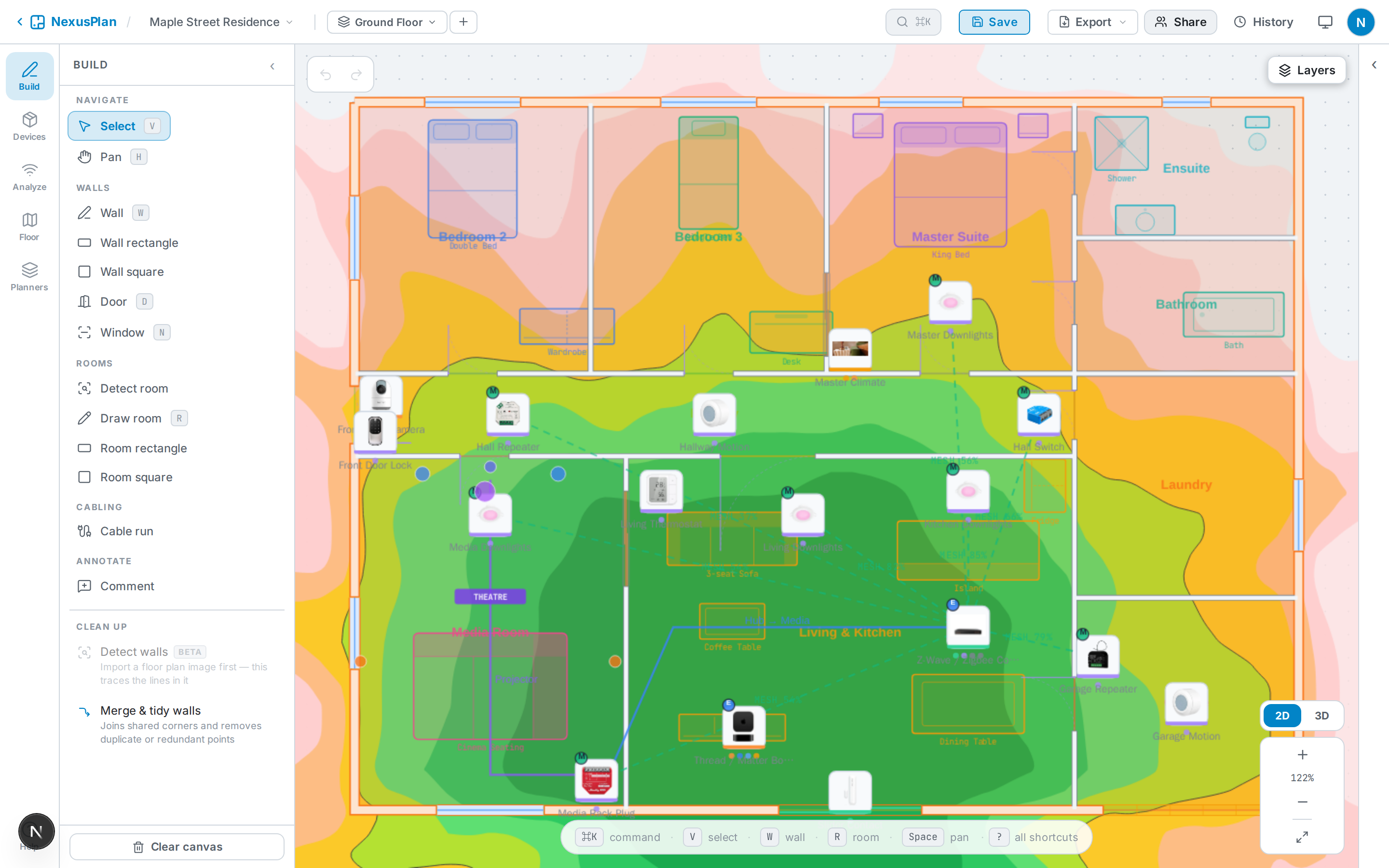
Walls do more than outline rooms — they attenuate wireless signal and become solid geometry in the 3D view, so it’s worth tracing them.
Draw walls
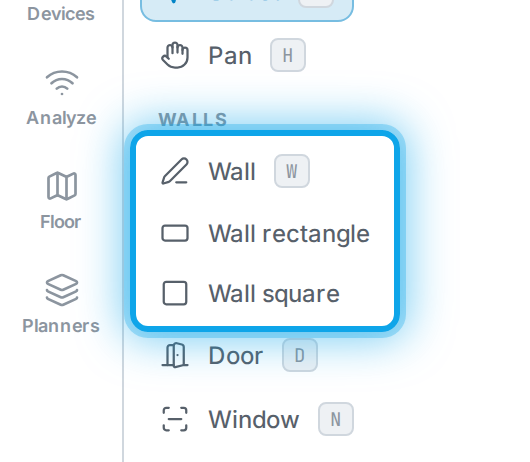
Section titled “Draw walls”Pick the Wall tool and click along each wall; click the starting point (or press a close key) to close a loop. Use rectangle or square helpers for regular rooms.
Materials
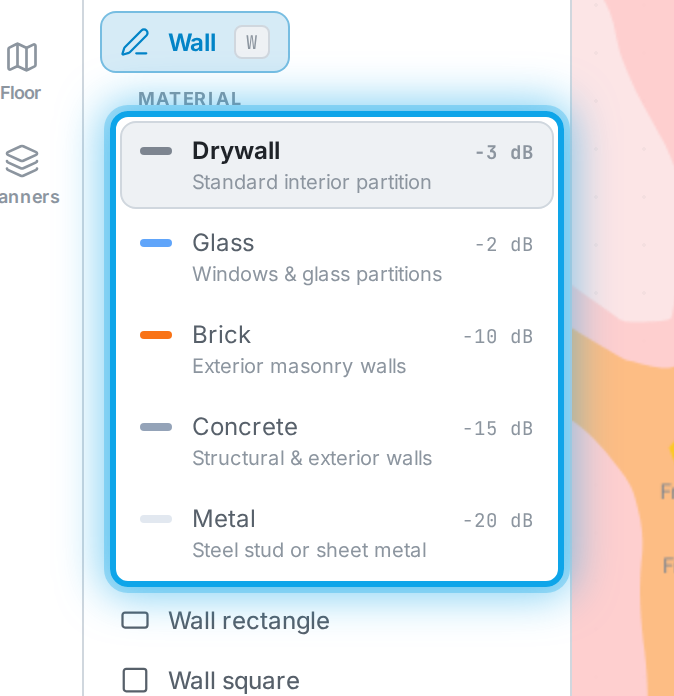
Section titled “Materials”Select a wall to set its material (drywall, glass, brick, concrete, metal). Denser materials block more signal — this feeds directly into the coverage simulation.
Signal loss
Section titled “Signal loss”Each material sets a wall’s Signal loss — how many dB it takes off a signal passing through. To match a particular wall (foil-backed plasterboard, a double-brick chimney breast), type its own value, from 0 to 40 dB. Choosing a material again resets it to that material’s value. With Home Assistant connected, measured signal can suggest the value for you.
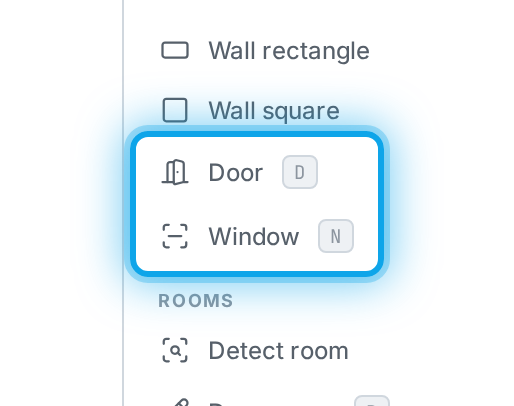
Doors & windows
Section titled “Doors & windows”With a wall selected, add openings: doors, sliding doors, garage doors, and windows. Drag an opening along the wall to position it and set its width. Openings show as real gaps in 3D — and in the walkthrough you can walk through doorways but not windows.