
Virtual walkthrough
The walkthrough drops you inside the model at eye level, like Google Street View.
Start walking
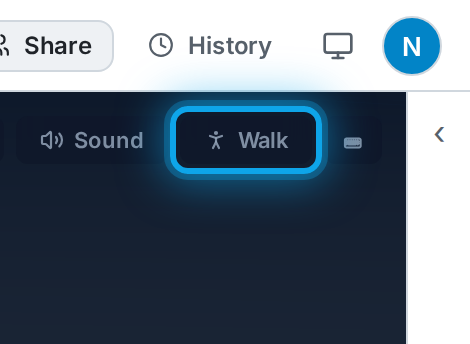
Section titled “Start walking”In the 3D view, click 🚶 Walk, then click the floor where you want to start. The camera descends to walking height at that spot.
Controls
Section titled “Controls”- Drag (or click-drag) to look around.
- On-screen arrows or WASD / arrow keys to move and turn. The arrows hide while you use the keyboard and come back on your next tap.
- Click a spot on the floor to glide there; tap again to stop.
- You can’t walk through walls (you slide along them) but you can walk through doorways.
Press Esc or Exit walk to return to the orbit view.